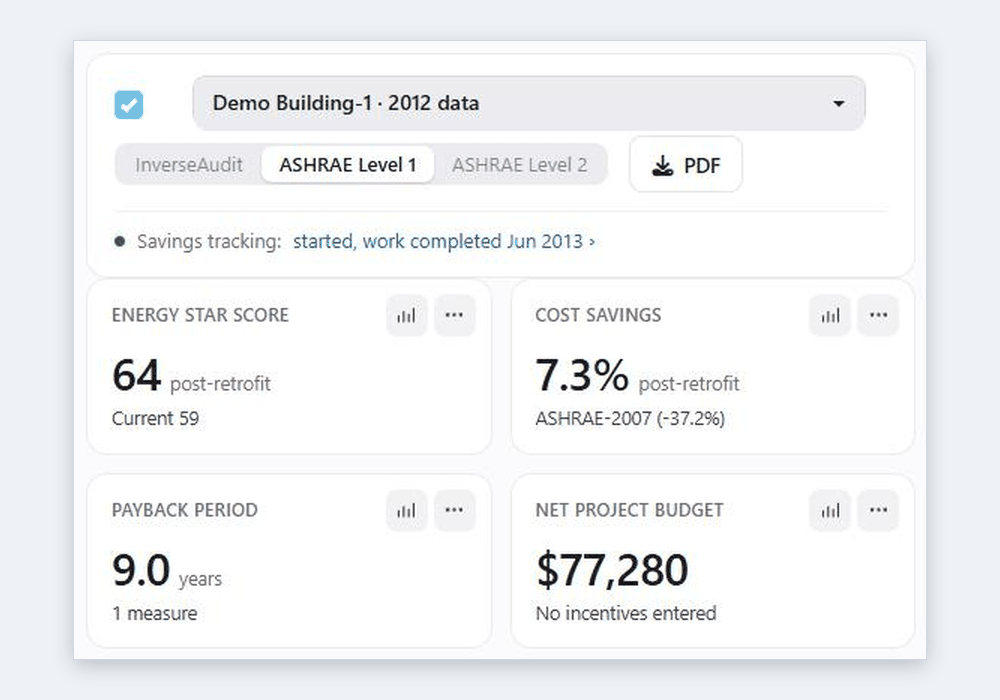
More and more programs ask for an energy audit that follows ASHRAE Standard 211: C-PACE financing, LEED O+M and city audit ordinances among them. InverseAudit now produces ASHRAE Level 1 and Level 2 audit reports, built from the same calibrated model and calculations as its own report, with a Site visit tab where the qualified energy auditor records what the standard asks for.
Three reports from one model
On the Energy Auditing page, each building now has a report type:
- InverseAudit: the usual report. It needs no site visit, so it suits remote screening, owner reports and planning.
- ASHRAE Level 1: what Standard 211 asks for a Level 1 audit: the site visit, a description of the building, historical energy use with the benchmark and target, and a summary of low-cost and capital measures. The auditor has about a third as many entries to make as at Level 2.
- ASHRAE Level 2: Level 1 plus the building's systems (envelope, HVAC, water heating, lighting and other loads), an equipment inventory, the end-use breakdown, and more on each measure and the package: savings, cost, life, ROI and payback, the cost breakdown, a QA/QC check and measurement and verification.
Switching between them never loses work: the site visit entries are shared, so moving from Level 1 to Level 2 keeps everything and adds Level 2's entries.
What software can't do for you
ASHRAE Standard 211 doesn't cover remote audits: every level needs a site visit by a qualified energy auditor. InverseAudit's analysis alone isn't a Standard 211 audit. That's why an ASHRAE report stays a draft, and says so on every page, until the auditor's entries and the energy data it needs are complete. The software does the modeling, the calculations and the formatting; the auditor does the looking.
The Site visit tab
The auditor fills in the Site visit tab after visiting the building. Each section shows how many entries are left:
- Site visit and interviews: dates, who was there, what was checked, interviews and main findings.
- Items to verify: the operating hours, setpoints, lighting, heating, cooling, outside air and water heating, with what the owner provided and what the calibration found. Tick Confirmed when the site visit agrees with the model, and those figures print as "Modeled, verified".
- Facility and contacts, Envelope, HVAC and Water heating, lighting, loads: what the model can't know, such as construction, condition, controls and nameplates.
- Equipment inventory: the units actually installed.
- Utility accounts and rates, Measures and package, and the Compliance page for the auditor's qualification and the compliance form (Form A).
Entries save as you go. An entry left empty isn't printed, so the report contains what was found, not blank forms.
Every figure says where it came from
In the ASHRAE reports, each figure is marked with its source: Model, Modeled, verify (estimated by the calibration, for the auditor to check), Modeled, verified, Calculated or Auditor. Equipment is given as the calibrated model's totals, such as total cooling capacity and fan power, next to the nameplate totals of the units the auditor lists. Reviewers can see at a glance what was measured, what was modeled and what was confirmed on site.
When the project doesn't need Standard 211
Some clients want the ASHRAE report's structure without a Standard 211 audit, for example for a remote audit. Untick This project must meet ASHRAE Standard 211 on the Compliance page: every site visit entry becomes optional, the report is never a draft, it is titled a Level 1 or Level 2 energy audit without naming the standard, and the compliance form is left out.
Related reading